
Practice management
Plan a practice week that leaves time for more than appointments
Allow time for notes, messages, administration and breaks, then adjust the diary using what happens in your own practice.
Geniosteo editorial team · 28 August 2026 · 3 min

Quick read
Key takeaways
- Count the work around an appointment, including notes and preparing the room.
- Set aside administration and breaks before making the remaining time bookable.
- Try one change, then check whether you finish closer to your planned time.
Your diary says the last patient leaves at six. Yet you still have notes to finish, a message to answer and invoices to check. Those tasks are part of the working day, even when the diary leaves no space for them.
Planning the whole week makes it easier to decide which appointments you can offer. The approach below is a practical suggestion to adapt to your work; it does not set a universal or medically safe number of consultations.
Find where the extra time goes
For a week or two, note how much time you spend on consultations, notes, messages, administration, travel and breaks. Use broad categories without names or patient information. The useful question is where work takes longer than you allowed for it.
For example, suppose a 45-minute consultation usually needs another 15 minutes for notes and preparing the room. Booking patients 45 minutes apart leaves that extra work to accumulate. You might instead allow an hour, then review how it works in practice. This is an illustration, not a recommended consultation length.
Set your working hours before adding appointments
Choose your start and finish times. Put meals, administration, travel and other fixed commitments in the diary first. Then allow for the consultation and the time needed before the next patient arrives.
Keep some space for an appointment that takes longer or an unexpected practical problem. The weekly practice planner helps you compare these choices. Its appointment count depends on the times you enter. Any revenue figure is an estimate before expenses and tax, not the amount you take home.
Give routine administration a place
A short daily slot for messages and a longer weekly slot for invoices or supplies may work better than handling everything between patients. Choose a time, a few tasks and a finish time. If the tasks regularly exceed the slot, adjust the plan rather than letting the extra work disappear into your evening.
Keep clinical notes in the practice’s authorised record system. A planning sheet only needs times and task categories.
Review one change at a time
At the end of the week, ask what delayed your finish and which breaks you missed. Change one thing for the next week: the gap between patients, the position of an admin slot or the number of appointments in a session.
After a few representative weeks, check the result. Did you finish closer to the planned time? Were your notes completed? Could you take your breaks? Keep the change if it helped, or try another adjustment. A quiet or unusually busy week need not be a verdict on the whole plan.
When changing the diary is not enough
EU-OSHA identifies excessive workload and poor work organisation among factors that can affect mental health. This is broad occupational guidance, not a study establishing an ideal osteopathy timetable. It encourages looking at working conditions as well as individual resources.
If fatigue, sleep problems or distress persist, seek appropriate support. The diary can show part of the difficulty, but a planning exercise cannot diagnose or resolve every problem.
Try a week of your own
Start with your actual hours in the planner. If you want colleagues’ experience, ask a practical question in the community, such as how they make time for administration. Keep patient details out of the discussion.
Source and scope
EU-OSHA: psychosocial risks and mental health at work, consulted on 3 October 2026. The planning examples are editorial suggestions, to adapt to your circumstances.
Discuss this article
Loading discussion…
Continue in Geniosteo
What would you like to do next?
Build your practice week
Test a scenario without entering patient data.
Open the toolTalk with your peers
Find discussions and experience shared by other osteopaths.
Join the communityExplore the resources
Find setup guides, articles and practical tools for your practice.
Browse resourcesUnderstand Geniosteo
See how the free account connects Community, Resources and Tools without requiring practice management.
Read the guideContinue exploring
Related articles
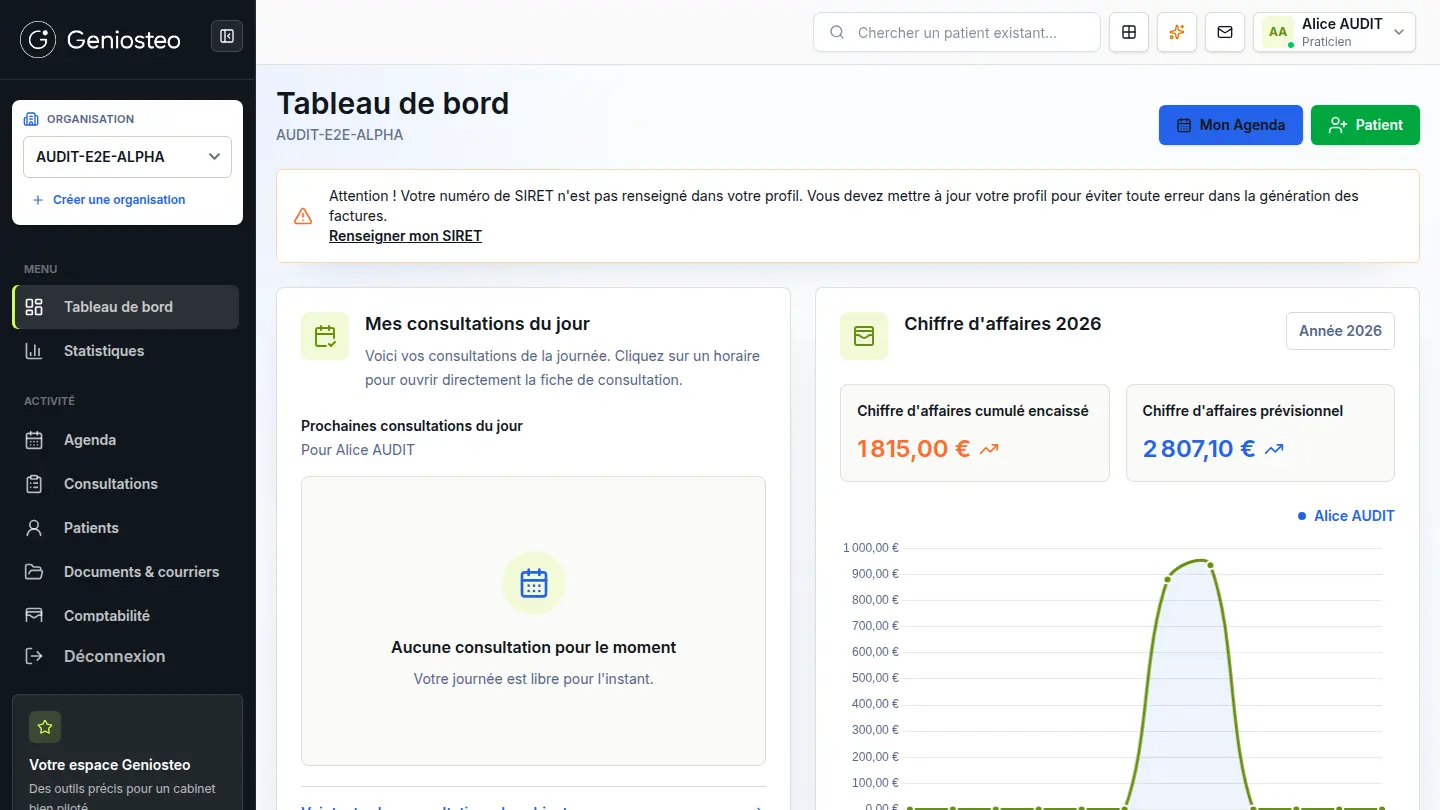
Choose practice software by trying the tasks you need it to do
Try booking, notes, billing and access controls with fictional records. Check the contract, backup recovery and data export before you commit.
Read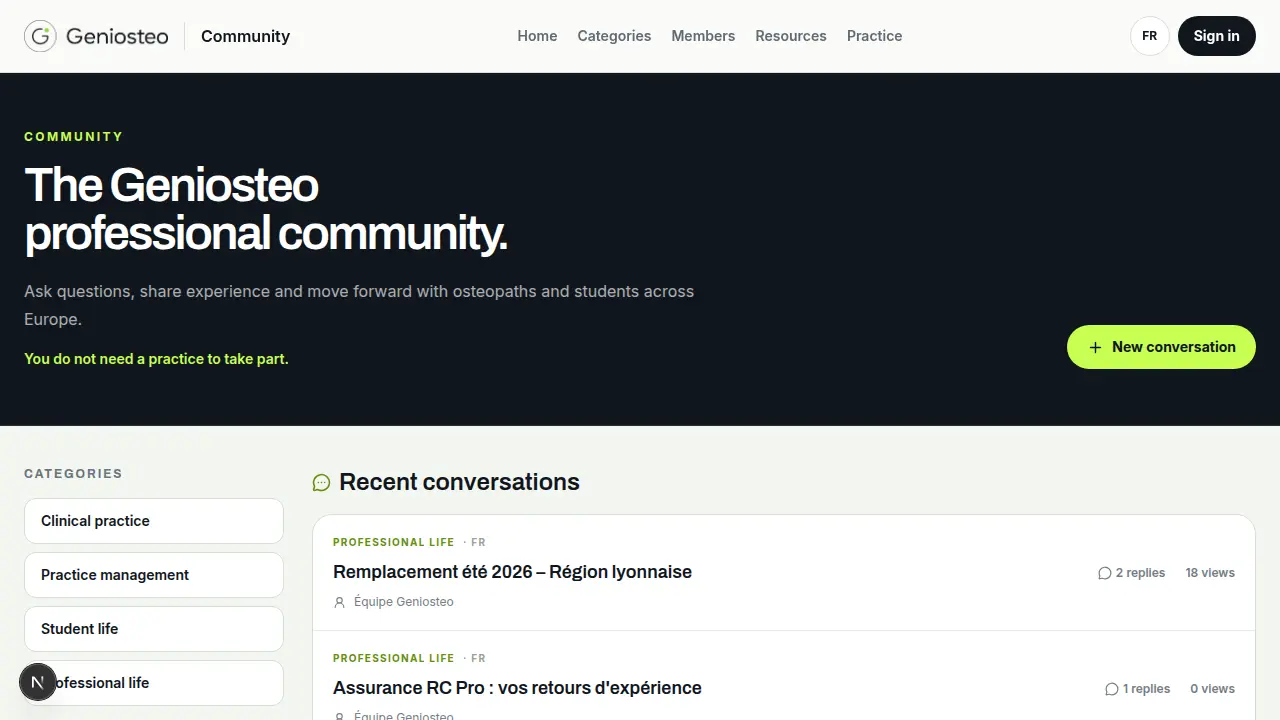
Your first 90 days in practice: decide what needs doing first
Start with the conditions for practising, the way you organise appointments and a few colleagues you can ask for advice. Review what you learn after three months.
Read